
Overview
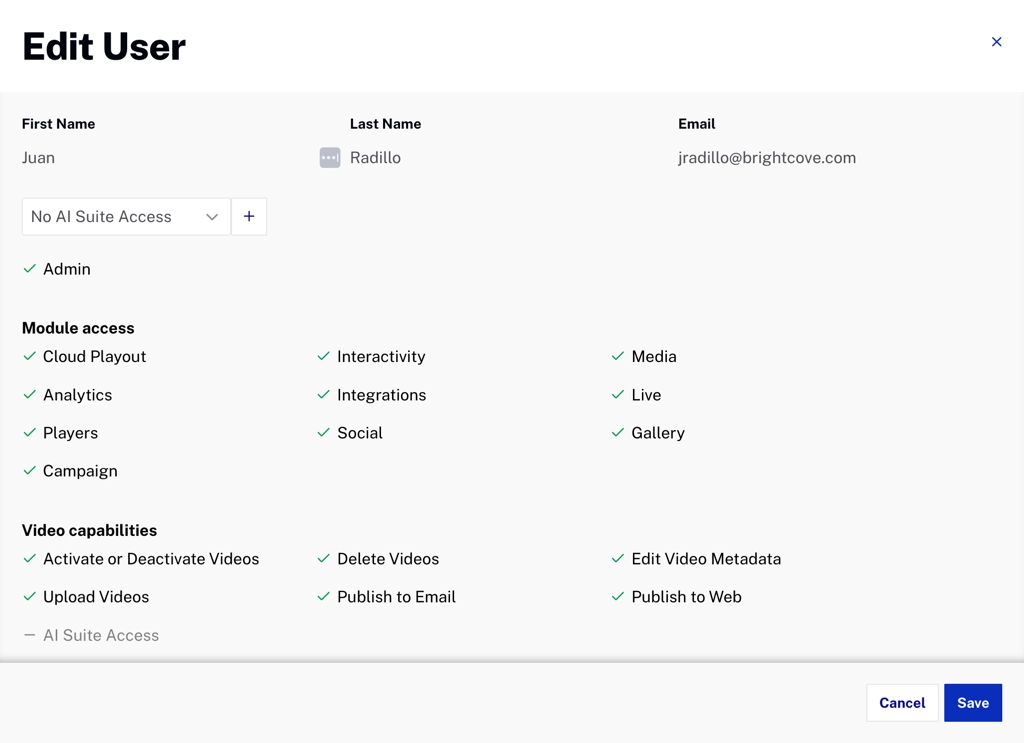
Access to the AI Suite features can be disabled as a whole at a user level with the AI Suite Access permission.
Default behavior
By default, when an account is given access to the AI Suite, all its users can use all of its features.
Features gated by this permission include:
- Universal Translator (Caption Translation Languages and Dubbing Languages)
- Metadata Optimizer
- Content Multiplier (Highlights and Reframing)
- Audio Description
Restricting access for some users
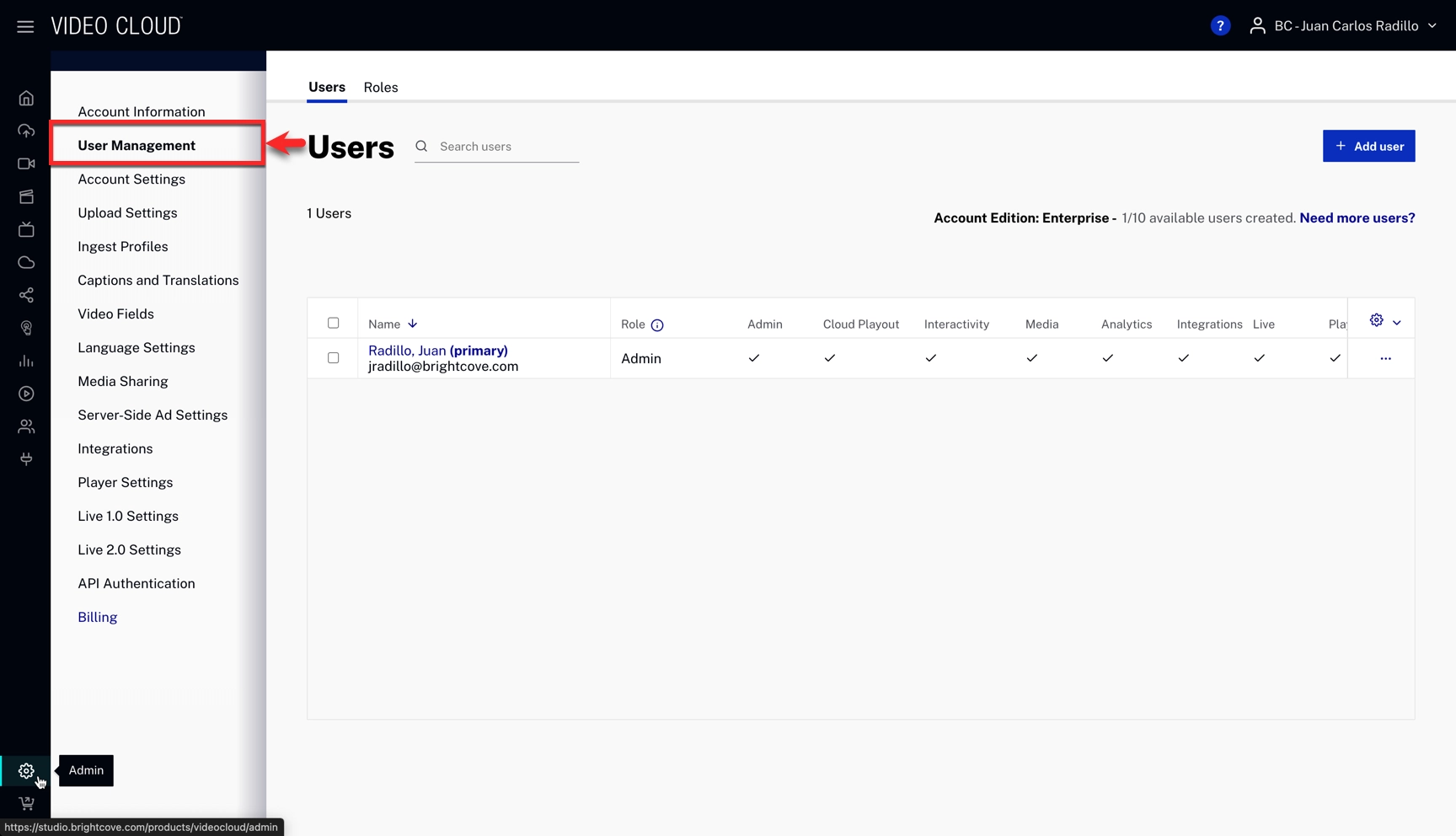
- Open the Admin module and go to User Management.
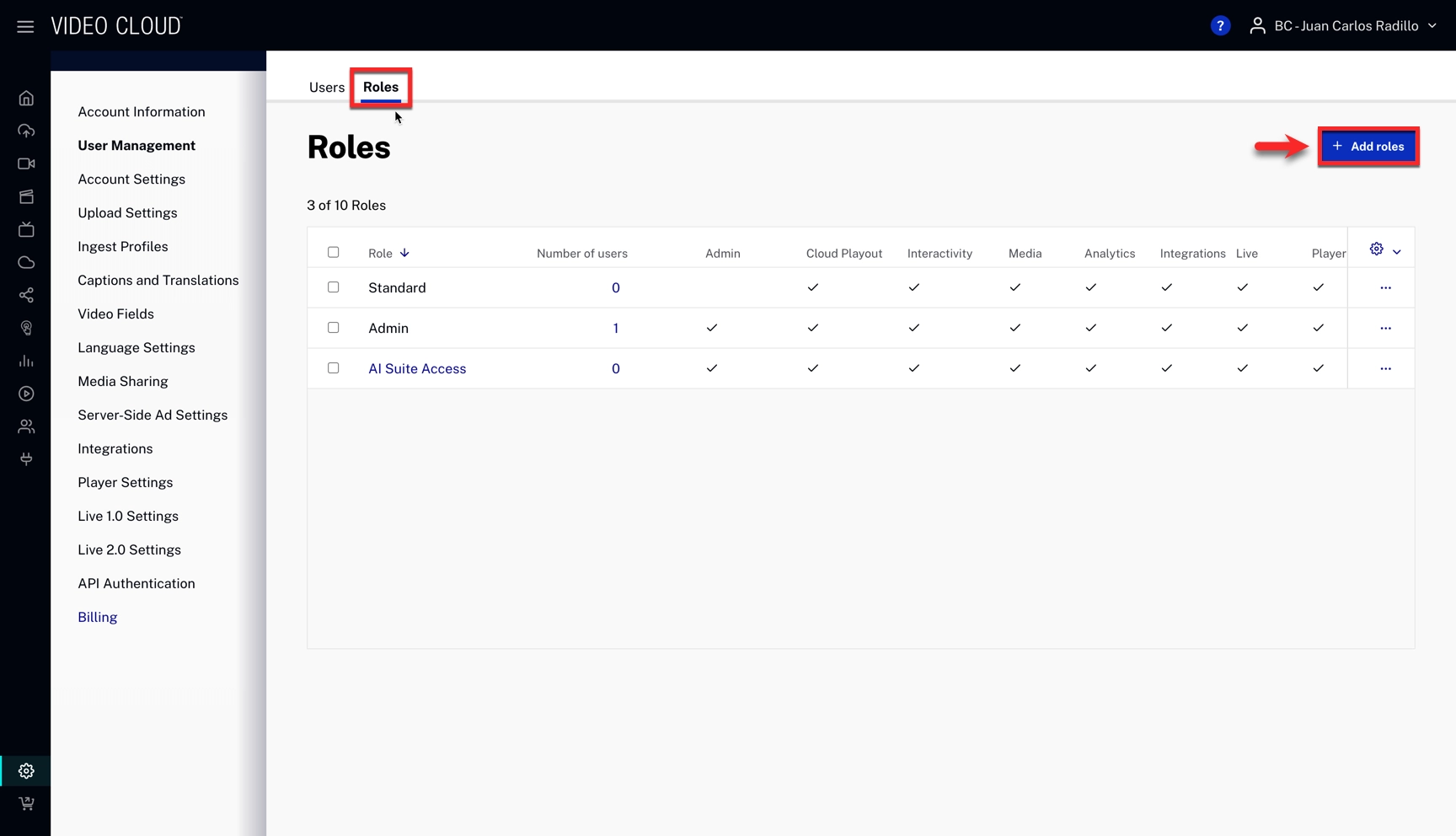
- Open the Roles tab and click .
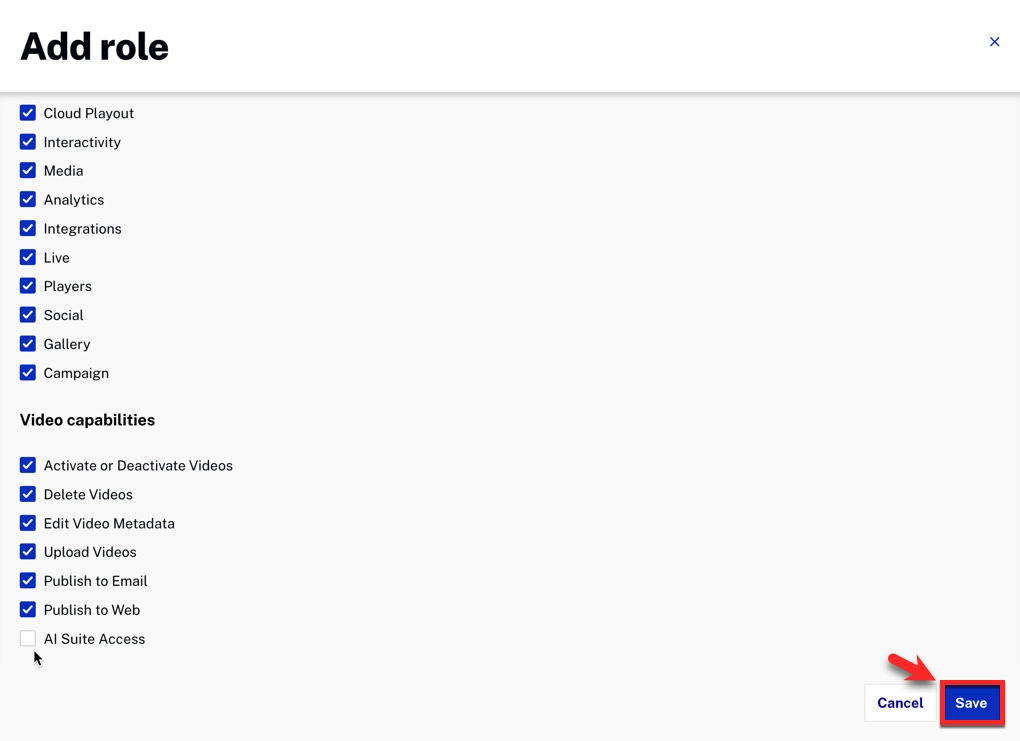
- Enter a role name and untick AI Suite Access. Click .
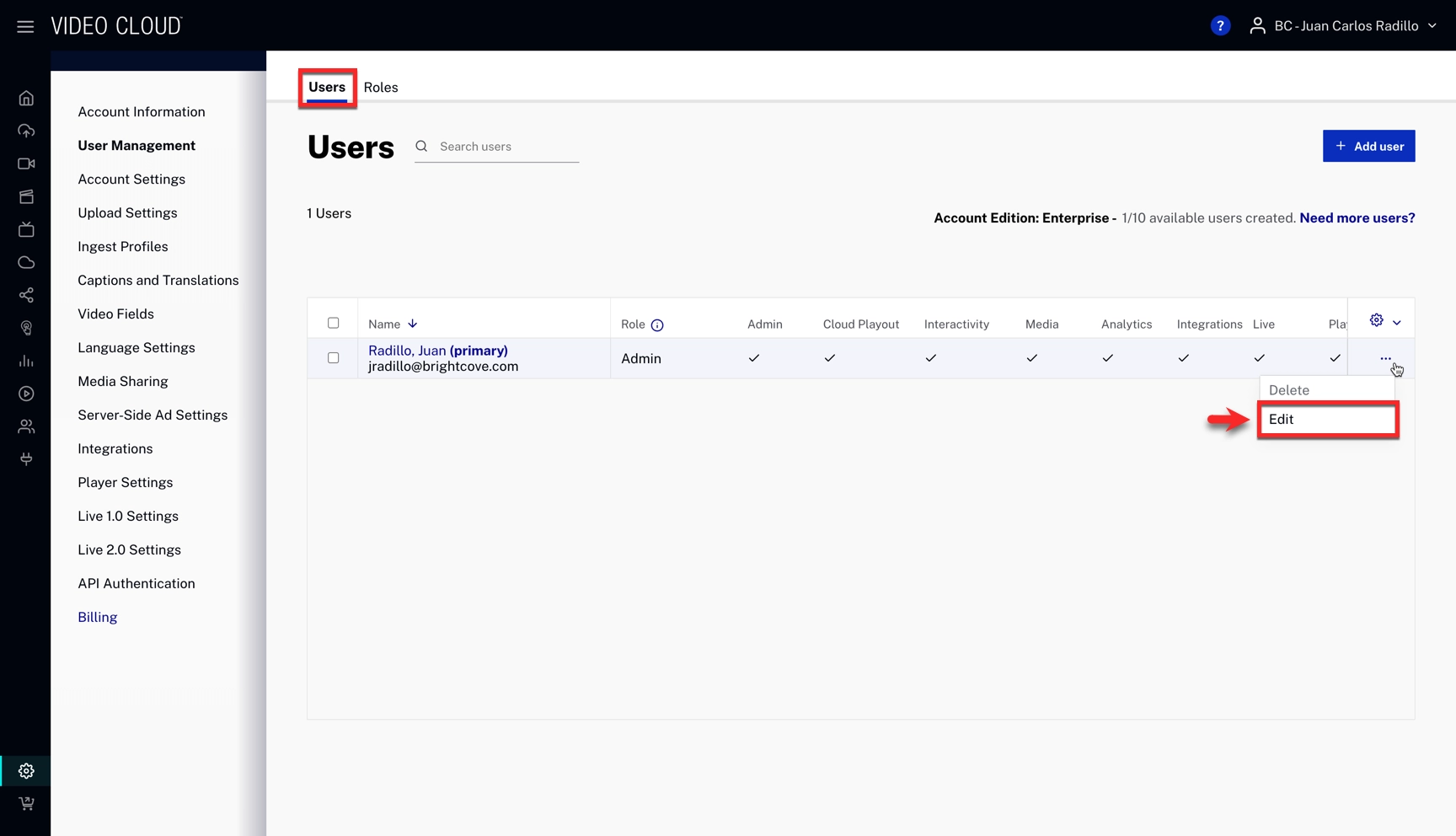
- Open the Users tab, click the three‑dot menu ( ) for the user you want to restrict, and choose Edit.
- Replace the user’s current role with the newly created role. Click .
For more about roles and permissions, see Managing Roles and Users.