
Video Cloud Basics: Determining Which Videos Have the Most Views
Steps
- In the left navigation, click the Analytics icon. The Performance section opens by default.
- Use the date selector at the top right of the page to specify the time period.
- In the dimension dropdown below the chart, select Video.
- Click the Video Views column header to sort the table by views.
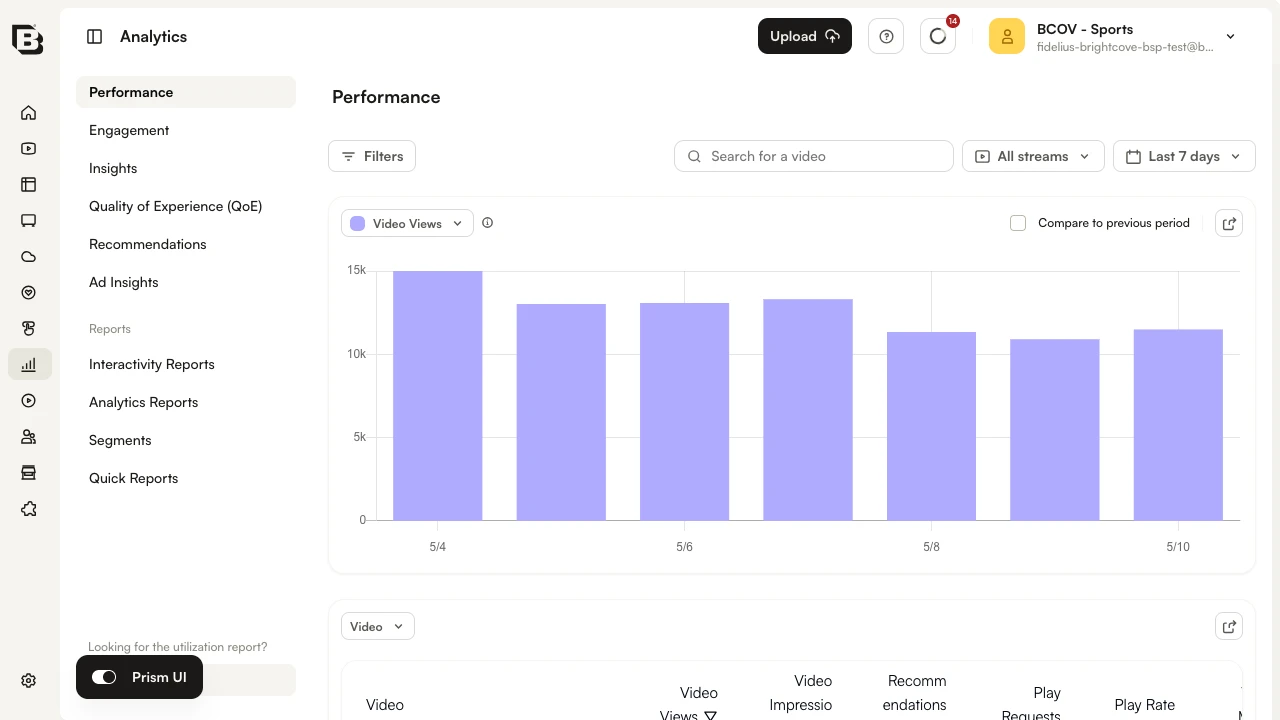
Use the Search for a video field at the top of the page to filter the table to a specific video.