
Video Cloud Basics: Publishing a Single Video to the Web
Prerequisites
- You have uploaded videos to your Video Cloud account
- You have created a player
Steps
- Open the Media module.
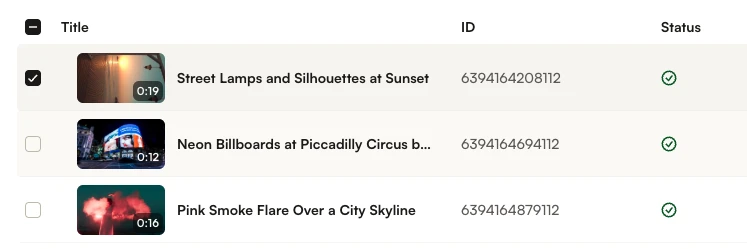
- Select a video to publish by checking the box next to the video thumbnail.
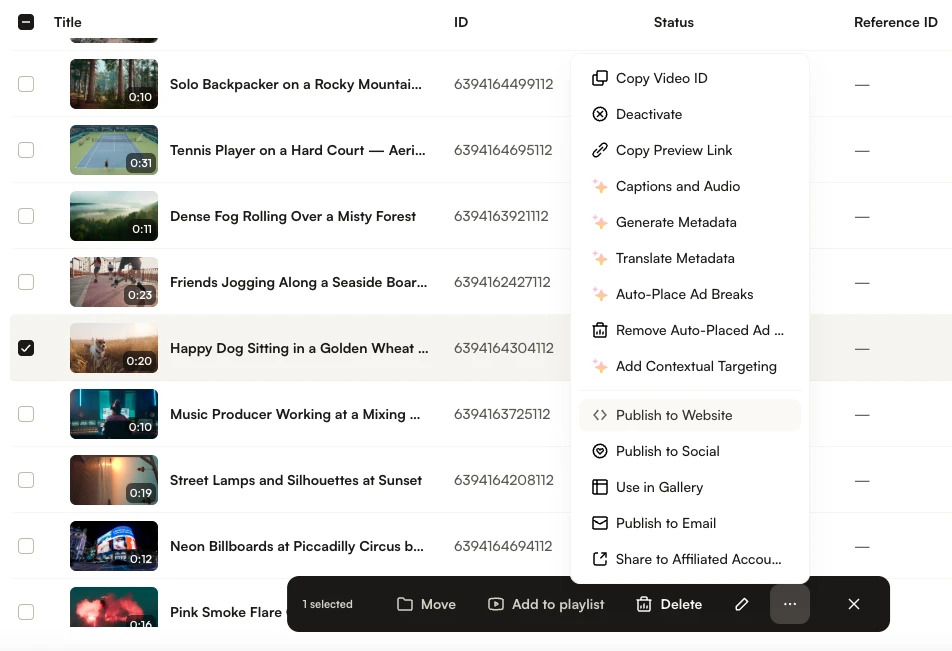
- Click the three-dot menu (⋯) in the bottom action bar, then click Publish to Website.
- In the Embed on Web dialog, use the Player dropdown to select a player.
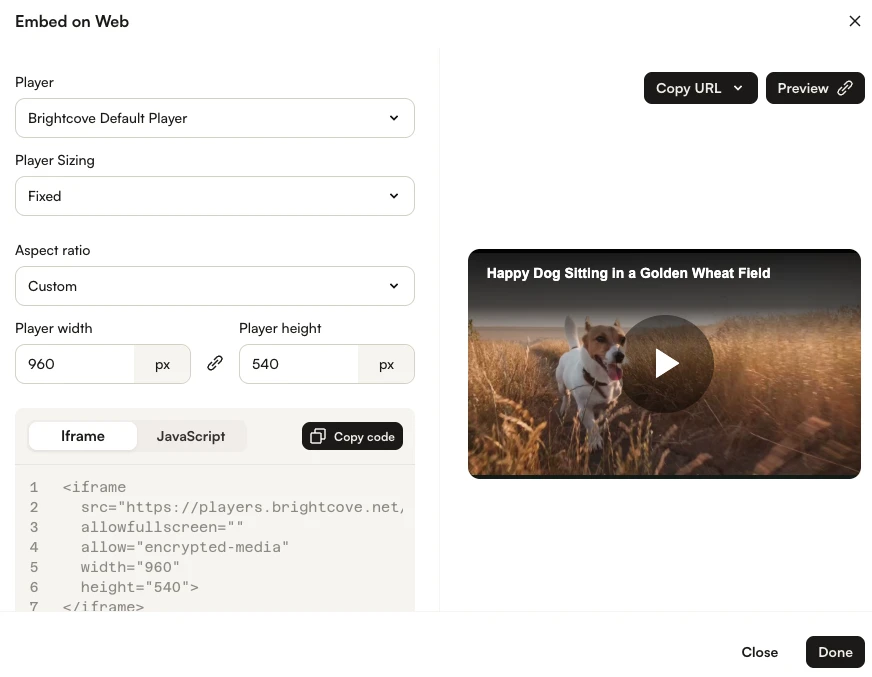
- Click Preview to open the video in a new browser tab. Confirm that the video appears and can be played.
- Select the Iframe or JavaScript tab, then click Copy code and paste the embed code into your webpage.