
Configuring Video Availability
Video availability properties control when a video can be viewed and, optionally, which countries can view it. Both settings live in the Availability section on the Advanced Settings tab of the video details page.
- Open the Media module and click the title of the video you want to configure.
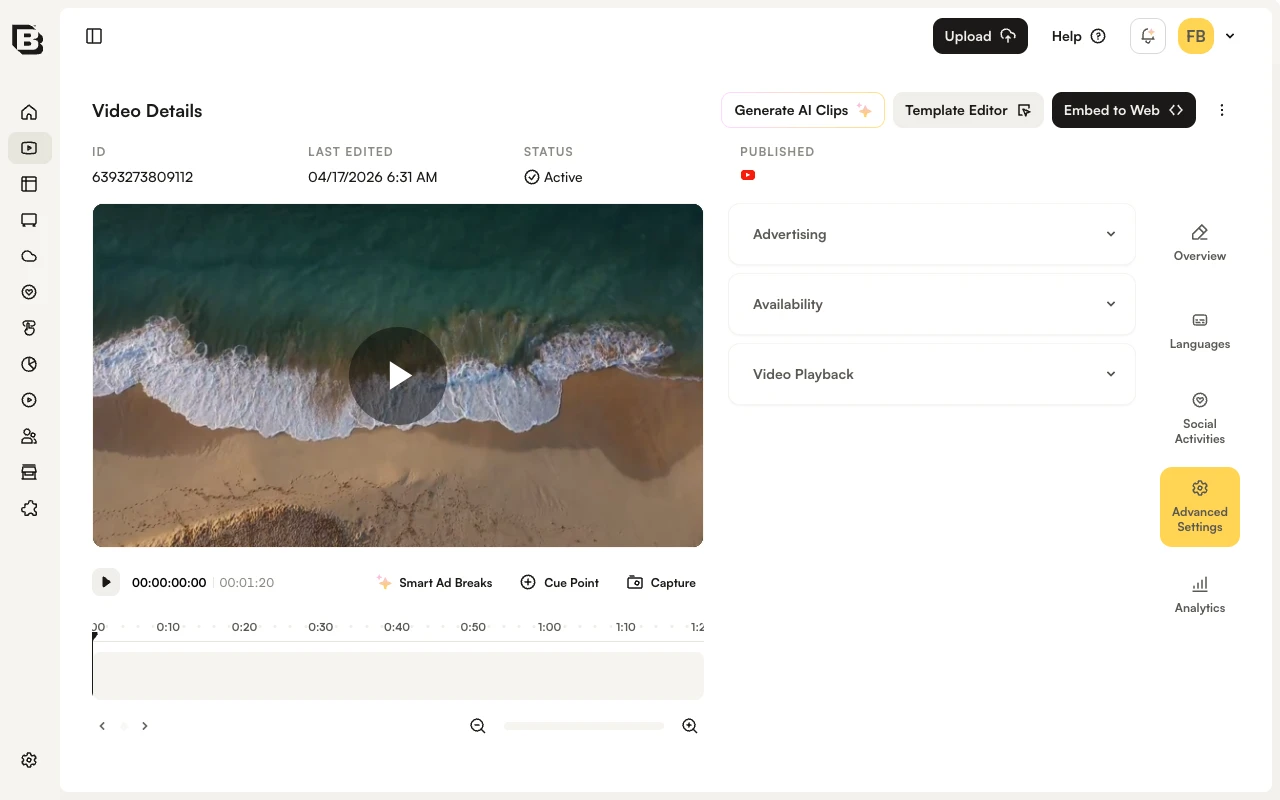
- In the right-side navigation of the video details page, click Advanced Settings.
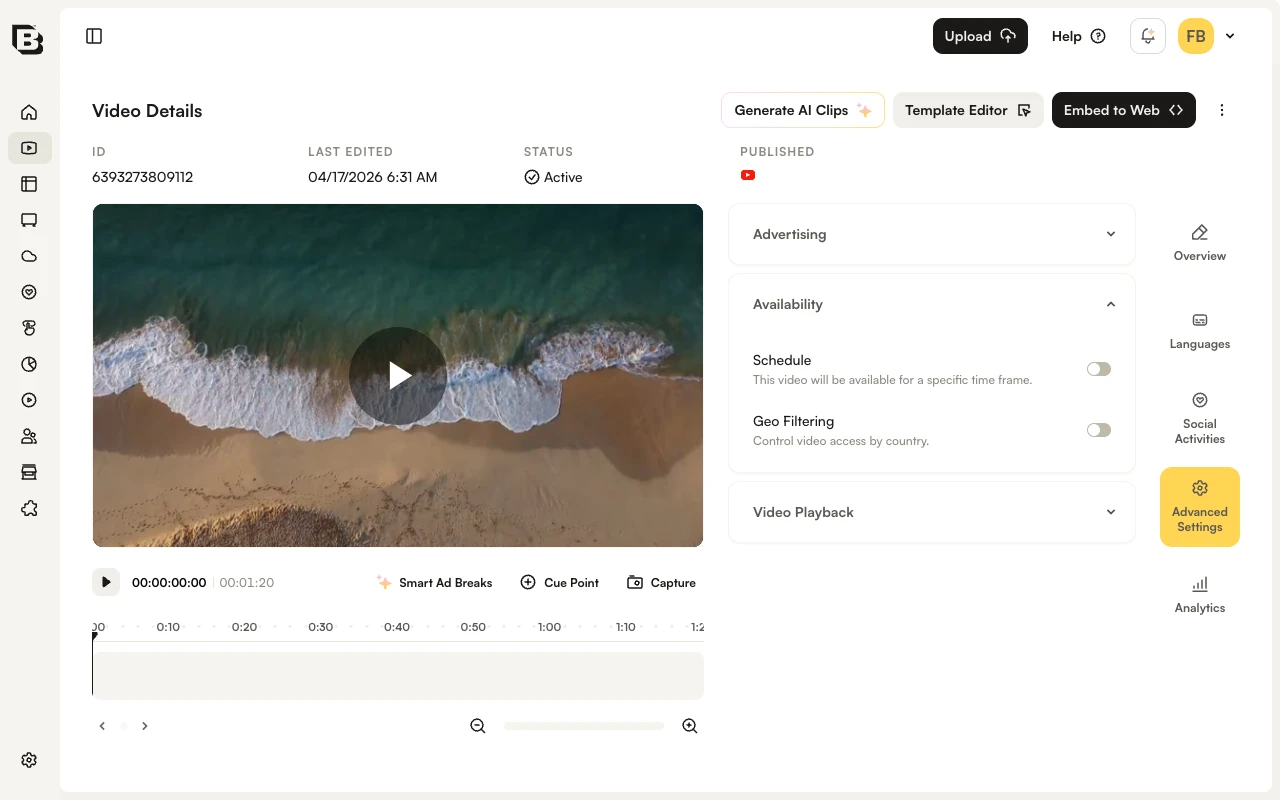
- Expand the Availability accordion.
The Availability accordion contains two toggles: Schedule (date- and time-based access) and Geo Filtering (country-based access).
Configuring dates and times
A start date and end date can be set to control when a video is available. By default, videos are available immediately and have no end date.
- Enable the Schedule toggle in the Availability accordion.
- Select a start date and time, an end date and time, or both.
- Changes save automatically.
Configuring geo filtering
Geo filtering controls which countries can and cannot play the video.
- Enable the Geo Filtering toggle in the Availability accordion.
- Select Allow viewing from the following countries or Prevent viewing from the following countries.
- Enter country names. As you type, the list filters to matching countries; click a country to add it.
- Changes save automatically.