
Content metrics
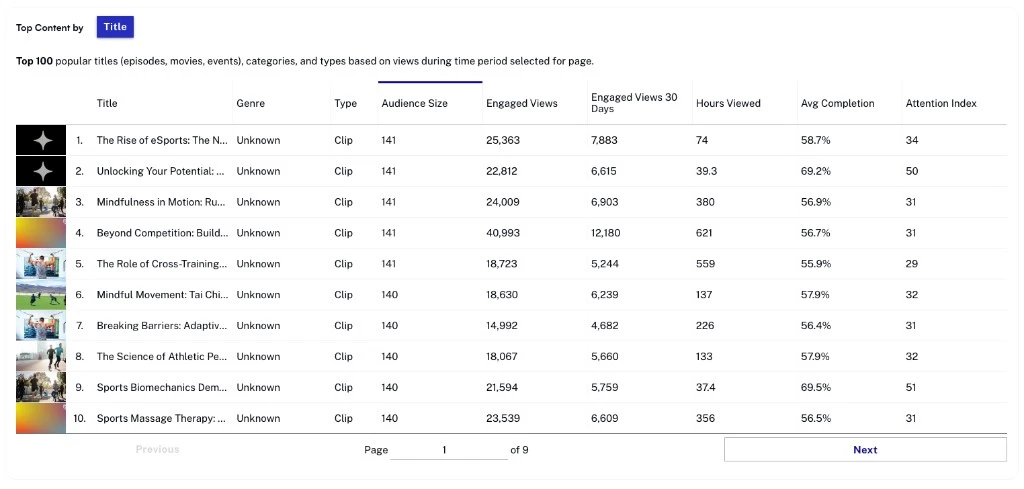
Content metrics help you understand what your audience watches the most and what is trending. The redesigned Insights page consolidates the legacy Content tab into a set of tiles — Content Trends, Popular Content, Library Breakdown, and the related Content Engagement key metrics — that share the page-level time-range and granularity controls.
Navigation
- Open Video Cloud Studio.
- In the primary navigation, click Analytics.
- In the Analytics left navigation, click Insights.
Selecting a time range
Use the time-range control at the top of the Insights page to scope the content tiles. The same selector drives every tile on the page (Content Trends, Popular Content, Content Engagement, Library Breakdown), so you only set it once.