
Video Cloud Basics: Publishing a Playlist to the Web
Prerequisites
- You have uploaded videos to your Video Cloud account
- You have created a Manual or Smart playlist
Steps
- Open the Media module.
- Click the Playlists tab at the top of the module, select a playlist, and then click Publish.
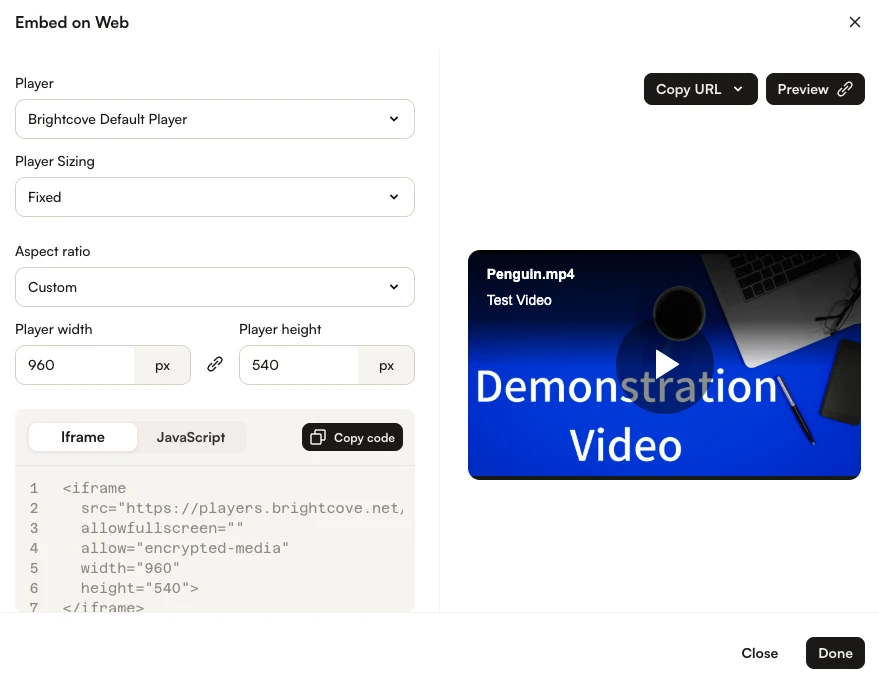
- In the Select Player dropdown list, select a player to use.
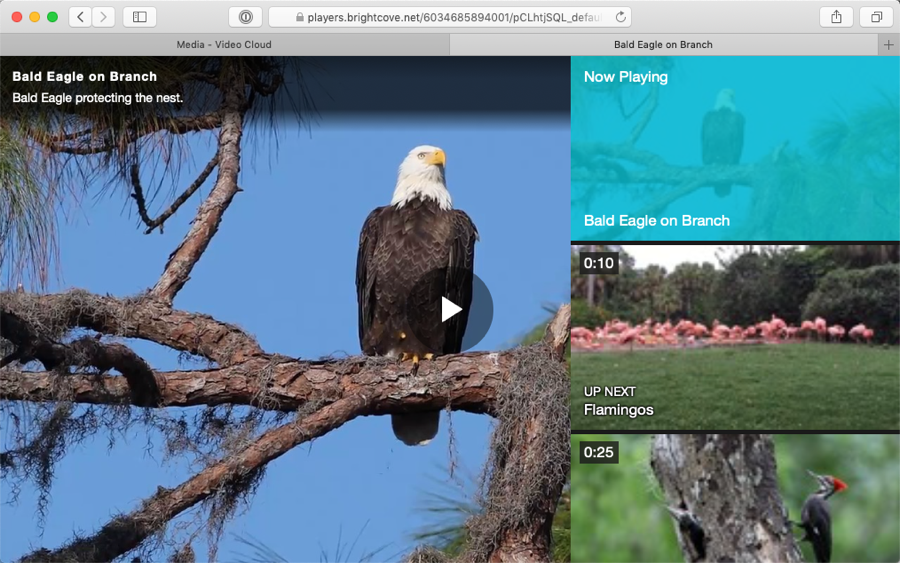
- Click the URL below the preview player to open it in a new browser tab. Confirm that the playlist appears and that the videos can be played.
- Copy the embed code and paste it into your webpage.