Video Cloud Basics: Creating a Smart Playlist
Prerequisites
Steps
- Open the Media module and switch to the Playlists tab.
- Click New and select New Playlist.
- In the Create Playlist dialog, choose Smart Playlist and click Create.
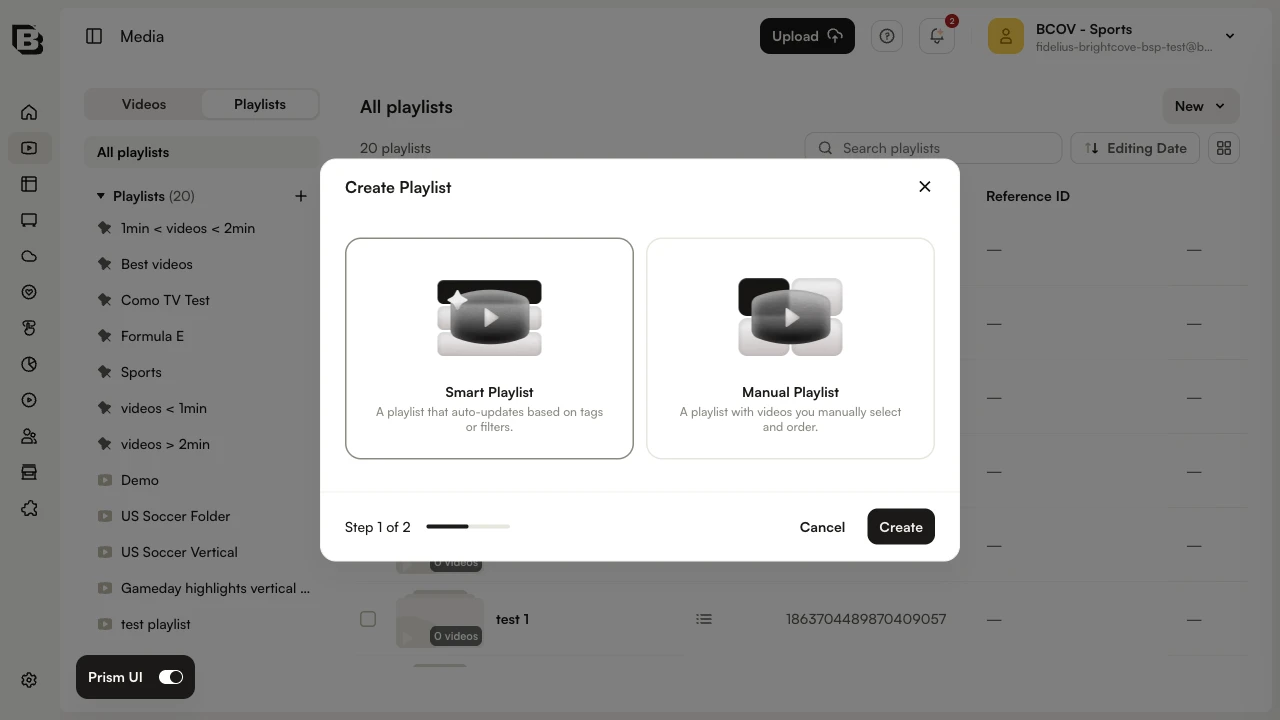
- Enter a Playlist Name. Optionally add a Reference ID and Description, then click Create.
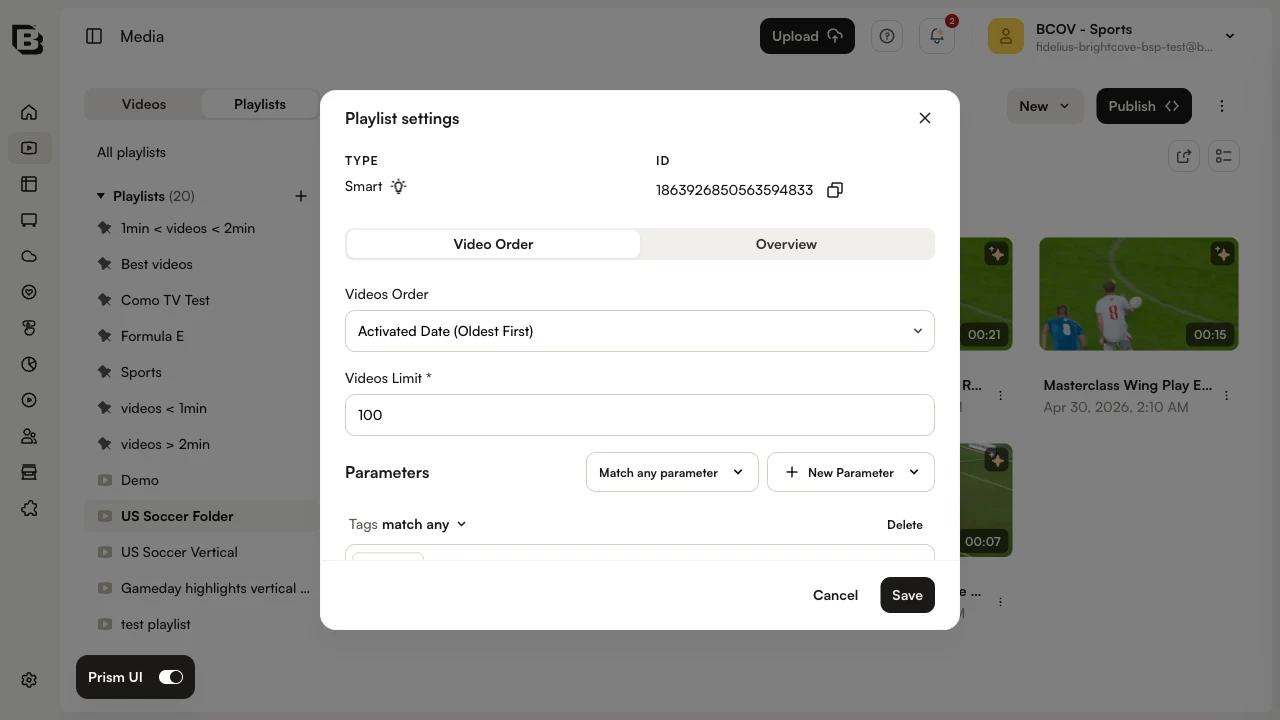
- On the playlist detail page, click the more options (⋮) menu and select Edit Playlist Settings.
- In the Parameters section, leave the operator as Match any parameter and confirm a Tags rule with match any is shown (or click + New Parameter to add one).
- Enter the appropriate tag(s) and press Enter.
- Click Save. The matching videos appear in the playlist.