
Engagement metrics
Engagement metrics help you understand how subscribers use your service and provide a baseline success rate for keeping viewers coming back.
Engagement insights reveal how your audience interacts with your library: detailed video consumption trends, average days streamed, and activity over time.
Navigation
- Open Video Cloud Studio.
- In the primary navigation, click Analytics.
- In the Analytics left navigation, click Insights.
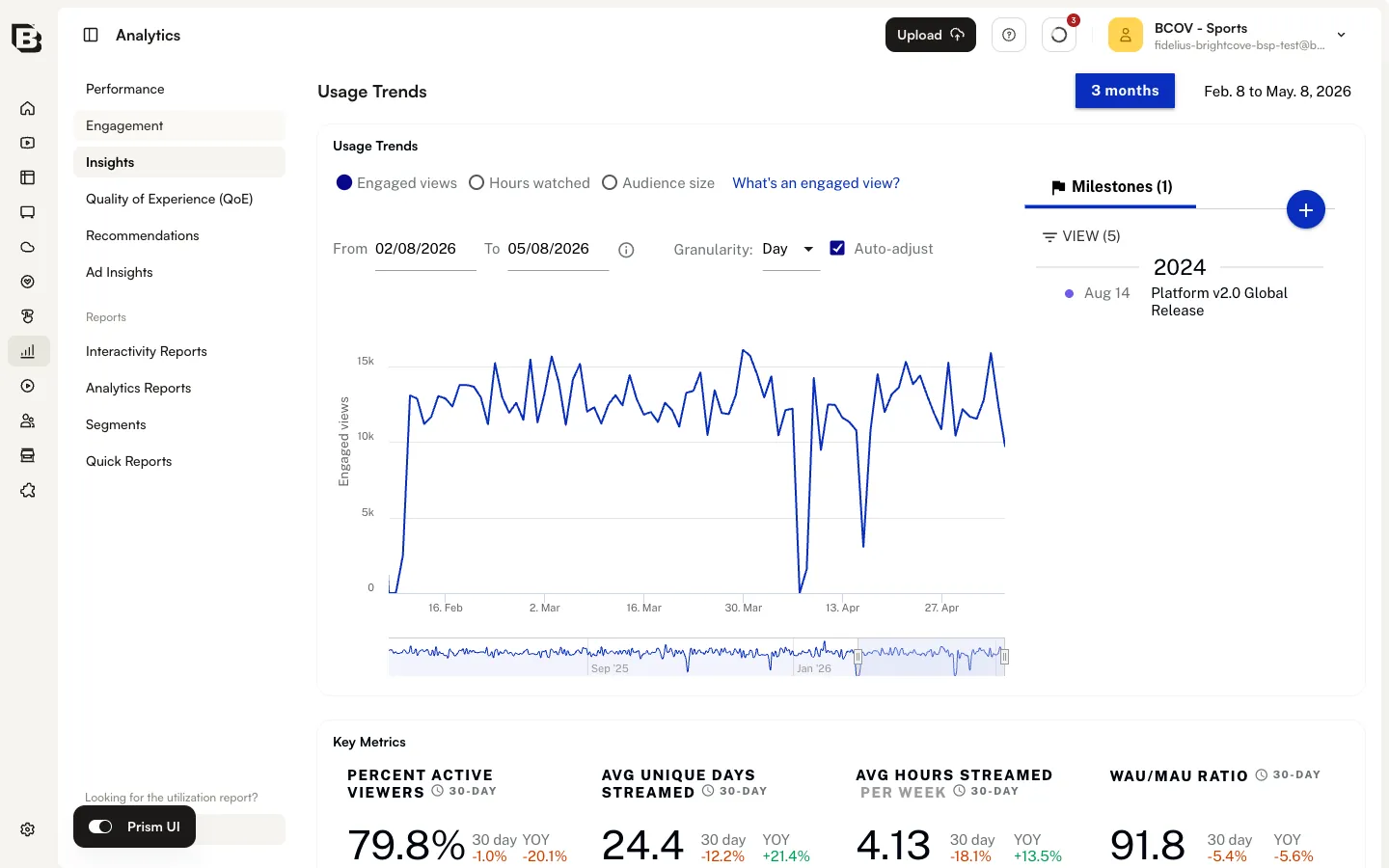
Selecting a time range
Use the time-range control at the top of the Insights page to choose the period for the metrics shown below — for example 3 months, or a custom date range.